How to Get Proof of Accommodation for Malaysia Immigration (Pelangi Hostel Guide)
Why Officers Sometimes Ask Where You Are Staying
When you arrive at a Malaysian port of entry — whether at JB CIQ from the Causeway, KLIA, or another checkpoint — an immigration officer may ask where you are staying during your visit. Having a clear, printed answer makes the conversation short. A formal accommodation confirmation from your hostel or hotel shows your address, check-in and check-out dates, and booking reference at a glance.
This is not a complicated requirement. Most travellers simply show their booking app or a hotel email. But a printed or saved PDF is more reliable than relying on mobile data when airport or checkpoint Wi-Fi is slow — and it looks more professional if the officer wants to inspect it carefully.
What Pelangi Capsule Hostel Offers: The Accommodation Proof Page
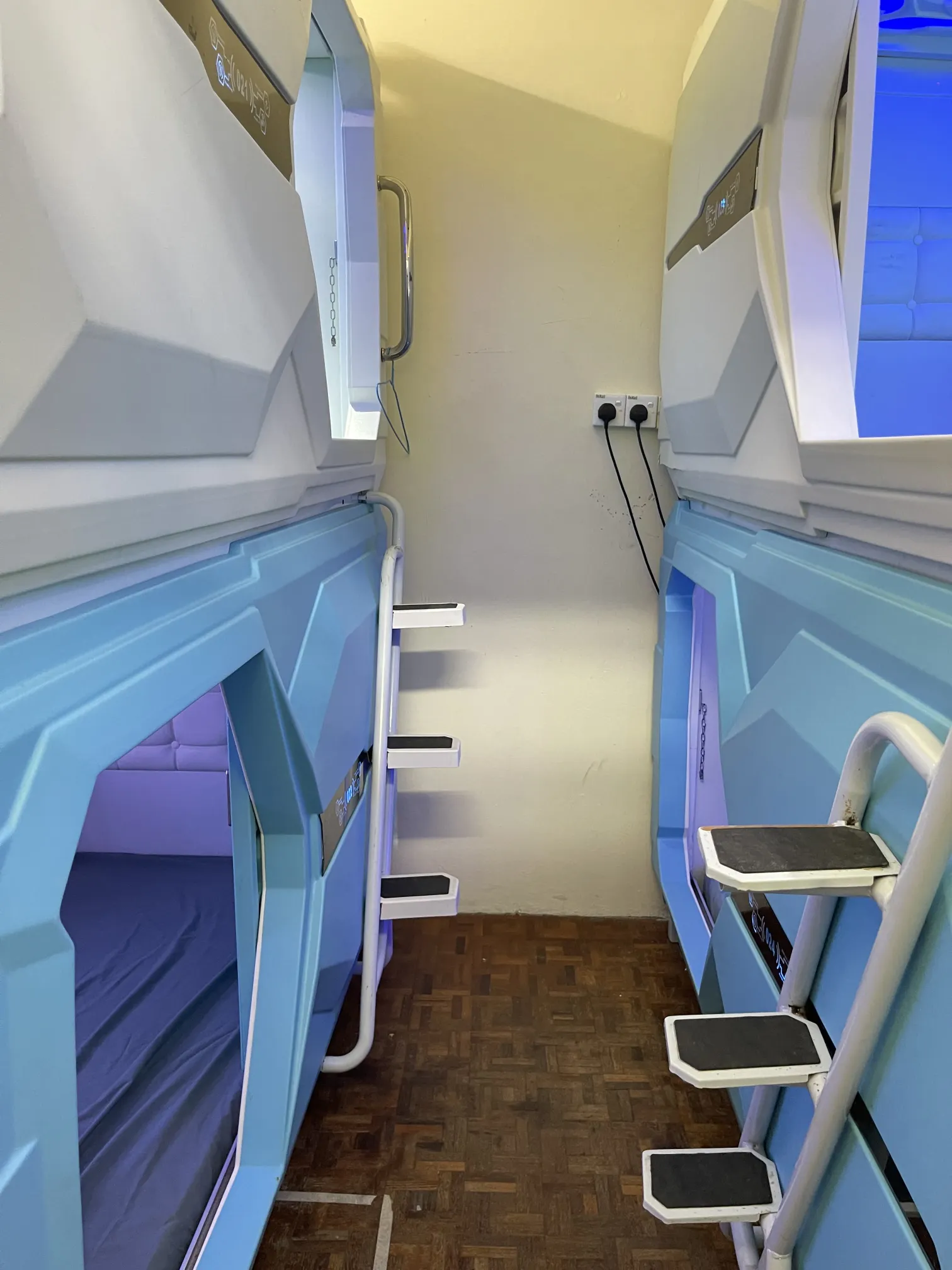
Pelangi Capsule Hostel has a dedicated accommodation proof page that generates a printable Accommodation Confirmation document on demand — no staff involved, no waiting, no email chain.
You enter two things:
- Your booking reference — found in your confirmation email or booking SMS.
- Your last name — exactly as it appears on your booking.
The page then displays a formatted confirmation document you can print immediately or save as a PDF from your browser.
What Your Booking Reference Looks Like
Pelangi uses two reference formats depending on where you booked:
- PLG-YYYYMMDD-NNN — direct bookings made at pelangicapsulehostel.com/book. Example:
PLG-20261201-042. - STP-YYYYMMDD-NNN — bookings that came through an OTA such as Booking.com, Agoda, Trip.com, or Hostelworld. Example:
STP-20261201-007.
Your reference is printed at the top of the confirmation email you received when you booked. If you booked through an OTA, the reference in your OTA app is the OTA's own ID — use the STP reference from Pelangi's confirmation, not the OTA number.
What the Document Shows
The generated confirmation includes:
- Property name: Pelangi Capsule Hostel
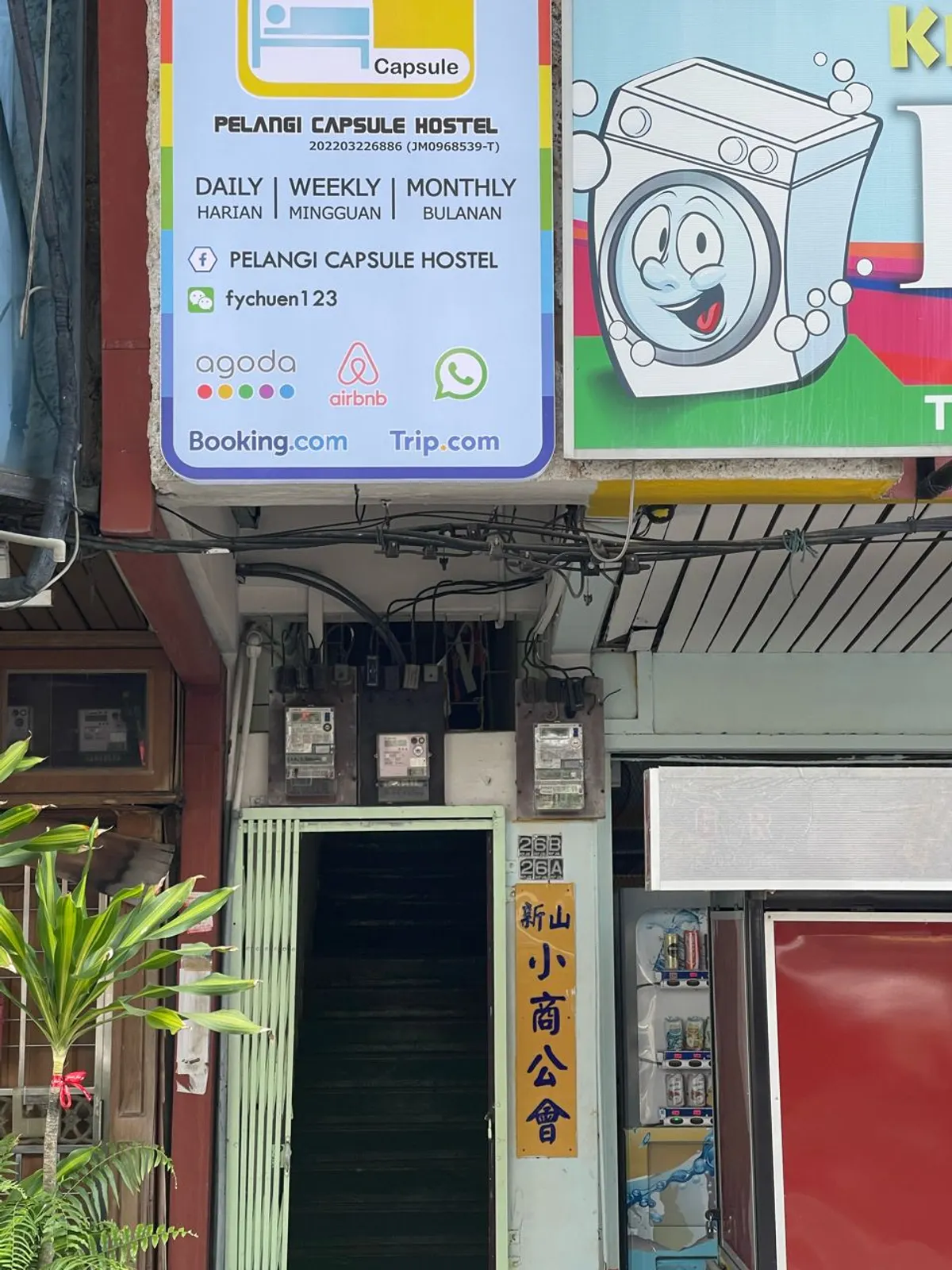
- Property address: 26A Jalan Perang, Taman Pelangi, 80400 Johor Bahru, Johor, Malaysia
- Property telephone
- Your booking reference number
- Your name
- Your nationality (when on file)
- Your assigned unit (when assigned)
- Check-in and check-out dates
- Number of nights and number of guests
- Total amount
- A Tourism Tax note for non-Malaysian guests
The document deliberately does not include your passport number or IC number. Your identity documents stay private — the confirmation tells an officer where you are staying, not who you are beyond your name.

Tourism Tax Note for Foreign Visitors
Malaysia charges a Tourism Tax of RM10 per room per night for non-Malaysian guests. This applies at registered accommodation properties including Pelangi Capsule Hostel. Your confirmation will include a note about this where applicable.
How to Get Your Confirmation in Three Steps
- Go to pelangicapsulehostel.com/accommodation-proof.
- Enter your booking reference (e.g.
PLG-20261201-042) and your last name. - Click the "Print / Save as PDF" button to download or print the document.
Tip: do this before you fly. Airport Wi-Fi can be slow or unavailable, and mobile data may not work until after you clear immigration. Save the PDF to your phone's offline storage or print a copy before you leave home.
Important: Cancelled Bookings
If your booking was cancelled, the system will not produce a confirmation document — a cancelled reservation is not a valid accommodation arrangement. If you have rebooked after a cancellation, use the reference from your new booking.
Can't Find Your Booking Reference?
Check your original confirmation email. If you cannot locate it, WhatsApp us at +60 12-708 8789 and a staff member will send you the link directly.
A Note on What This Document Is
The Accommodation Confirmation is a document issued by Pelangi Capsule Hostel confirming your reservation. It is not a government-issued document and is not a visa, entry permit, or legal guarantee of entry. Immigration decisions are made by the officer at the checkpoint based on all the information they review. The document is a practical aid — it answers the "where are you staying?" question clearly and quickly.
Malaysia Digital Arrival Card (MDAC)
Travellers arriving in Malaysia may be required to complete the Malaysia Digital Arrival Card (MDAC) before or on arrival. This is a separate process from your accommodation confirmation. Check the official immigration portal at imi.gov.my for current MDAC requirements for your nationality.
Book Your Stay at Pelangi
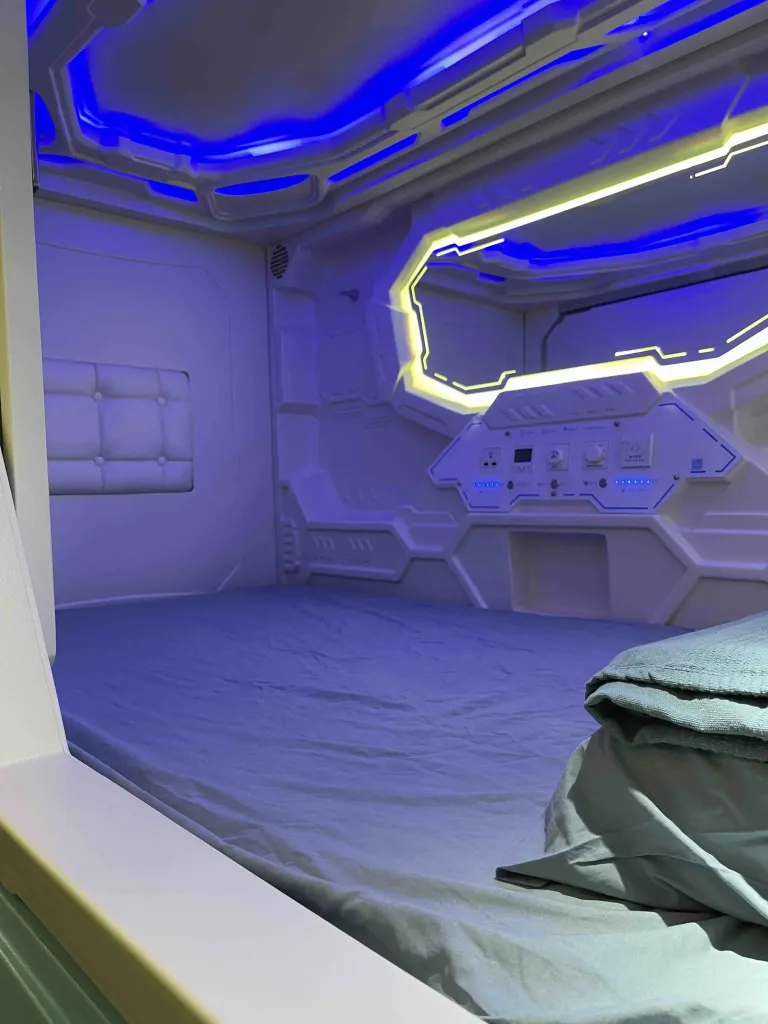
If you have not yet booked and need accommodation in Johor Bahru, book directly at pelangicapsulehostel.com/book — no booking fees, best rate guaranteed. Capsule pods from RM35/night with 24/7 self check-in. Once your booking is confirmed, your accommodation proof is available immediately at /accommodation-proof.
Questions? WhatsApp +60 12-708 8789 or check our check-in guide for arrival instructions.
Frequently Asked Questions
Is the accommodation confirmation accepted at Malaysian immigration?
Officers may ask where you are staying; this document answers that question directly. Immigration decisions rest with the officer at the checkpoint. The confirmation is a practical aid showing your address and booking details — it is not a government document or entry guarantee.
What if I booked through Booking.com or Agoda?
Use the STP reference from Pelangi's confirmation email, not the OTA booking ID. The format is STP-YYYYMMDD-NNN. If you only have the OTA number, WhatsApp us and we will look up your STP reference.
Can I get the document if I have not checked in yet?
Yes — the confirmation is available as soon as your booking is confirmed, before you arrive. Generate it any time after booking.
Does the document include my passport number?
No. The confirmation does not include your passport or IC number. It shows your name, booking reference, dates, and property details only.
What if my booking was cancelled?
Cancelled bookings do not produce a confirmation document. If your booking was cancelled in error, contact us via WhatsApp at +60 12-708 8789.
How do I save the document as a PDF?
On the confirmation page, click "Print / Save as PDF". In the print dialog, select "Save as PDF" as the destination instead of a physical printer. This works on all major browsers on desktop and mobile.
Related Articles
India to Johor Bahru: The Complete Budget Travel Guide for 2026
1 Aug 2026 · 4 min read
Capsule Pod vs Private Room in JB: Which Should You Book?
16 Sep 2026 · 7 min read
JB–Singapore Immigration: How to Beat the Queue in 2026 (MyNIISe, E-Gates & Timing)
17 Aug 2026 · 5 min read
Comments
No comments yet. Be the first!